Start Here
Join Badger Den on ClubGG, get linked up, and be ready to deposit or play in a few minutes.
Badger Den VIP
If you want the bigger games, take the VIP route first.
Badger Den still has the standard club path, but the current deposit push is built around VIP Club 507055. Start in Telegram first if you want the larger Sunday guarantees, stronger cash-game proof, and the current first-deposit tests.
- • ClubGG VIP Club ID: 507055
- • Proof stack: $264K+ BBJ table and $145K+ payout
- • Sunday guarantees: $55K, $40K PKO, $20K, $125K
- • Current first-deposit tests: $5 on $25+ and 10% on $50+ capped at $10
Recent table proof used in current VIP outreach and site copy.
A six-figure payout is easier to trust than a vague “big jackpot” claim.
The big Sunday guarantee is part of why a real deposit can make sense.
Fund the session you plan to play instead of trickling in repeated tiny loads.
Fastest Path Tonight
Download ClubGG, use Club ID 895789, and request access.
Message the bot with /link and your Member ID.
Depositors can usually play the same day. Tournament players can start with freerolls first.
Quick Reference
Pick Your First Route
Deposit for the VIP path.
Best for players who already know they want cash action, Sunday MTTs, and same-day depositor cashouts.
Start with the daily freerolls.
Two free shots every day that roll straight into the same-day MTT ladder.
Check the After Dark board.
Private 8-max lineups for players who want a tighter game and stream-worthy action.
Before You Fund Anything
These three reads answer most first-deposit mistakes.
Know what to confirm before you treat a private club like a real place to keep money.
Choose the kind of first session you actually want before the deposit amount gets decided for you.
Understand the clean support move before you create a second-payment mess.
If Someone Sent You Here
Use the proof pages, not just the setup steps.
The setup guide tells you how to join. It does not replace the pages that explain whether the VIP room is worth funding in the first place. If you are still judging fit, go there next.
If They Found You Through Content
Use the viewer path and the video-proof reads.
Download ClubGG
ClubGG is available on iOS, Android, and desktop. Download from your preferred platform:
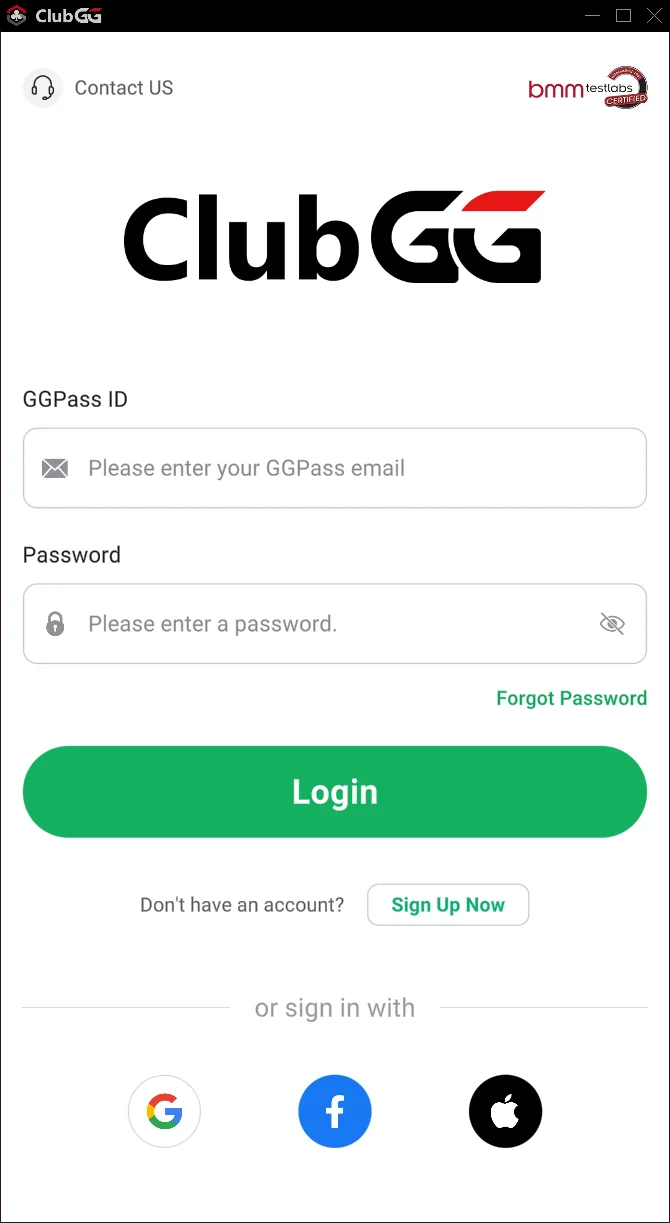
Open ClubGG and tap Sign Up Now
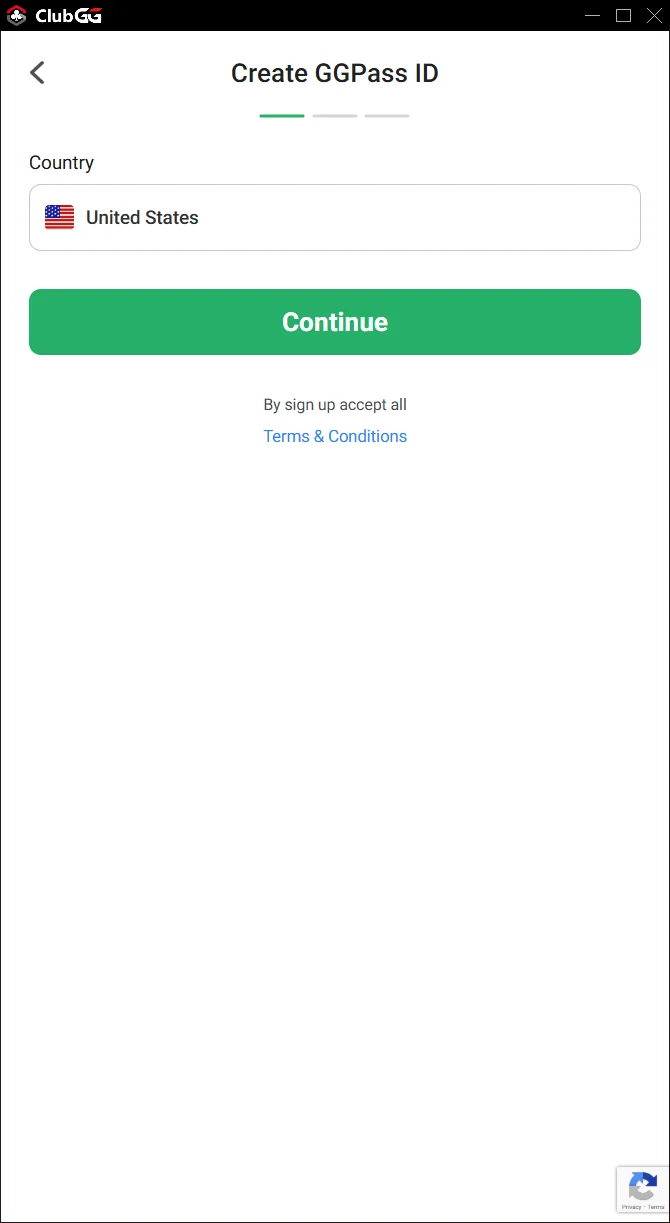
Create a free GGPass account
Create Your Account
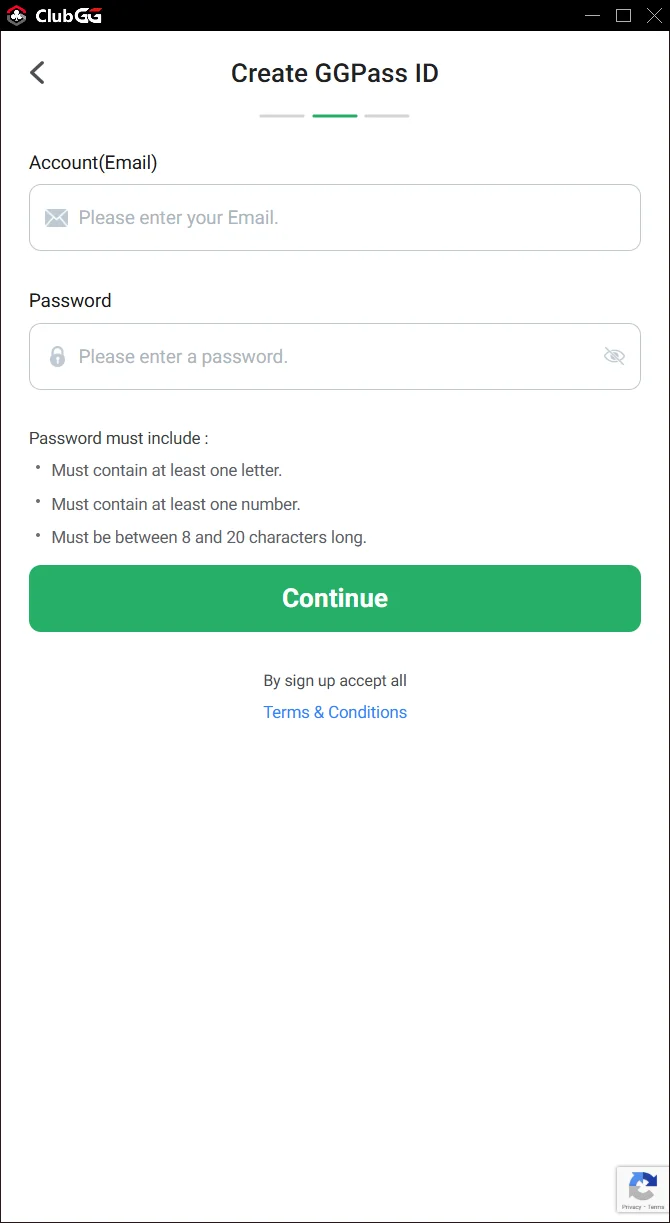
Follow the signup flow to create your GGPass account. You'll need an email address.
Select your country
Enter your details
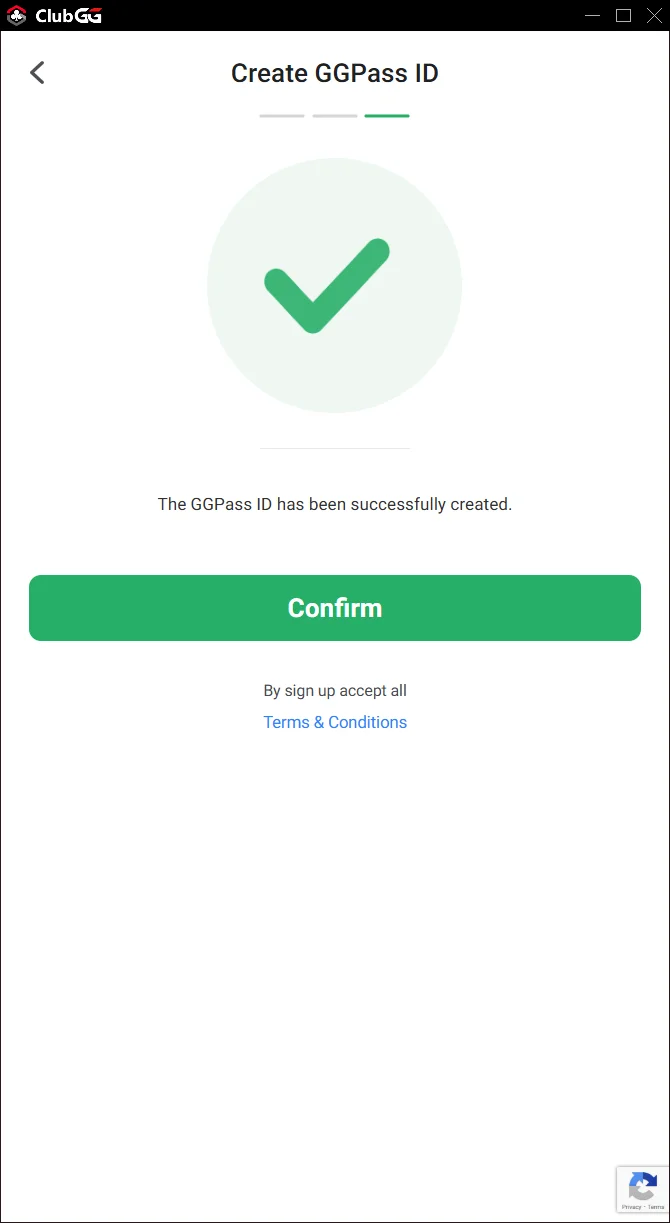
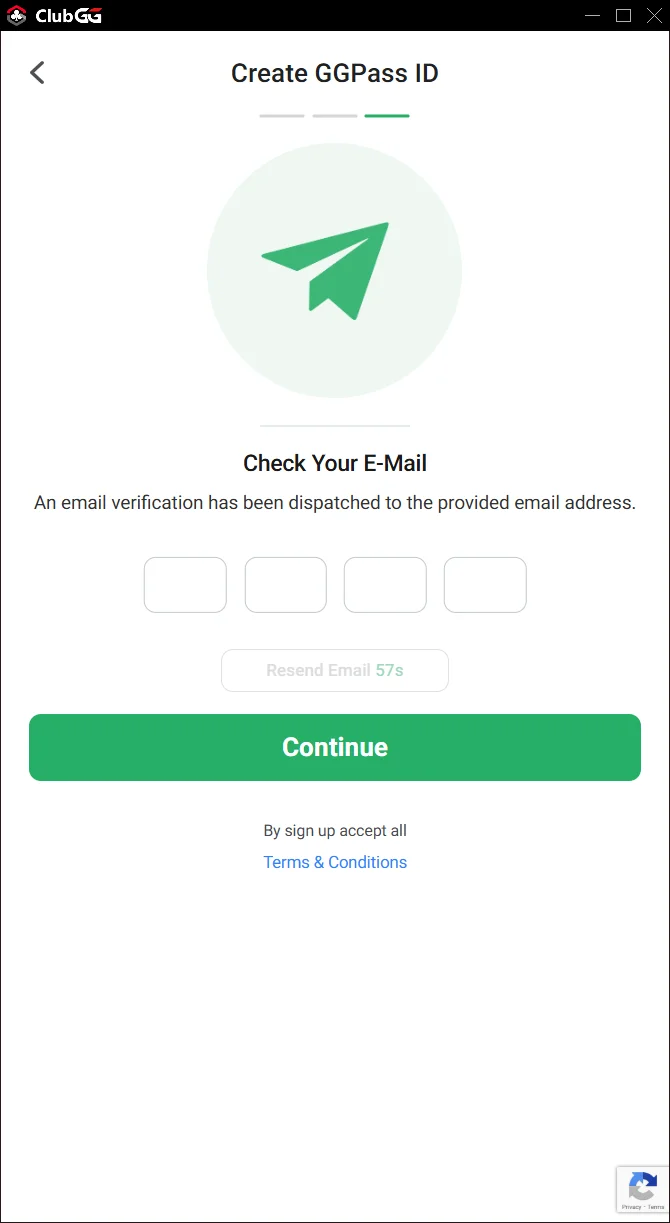
Verify your email
Join The Badger Den
Once logged in, find and join our club using the Club ID.
Club ID
895789
- 1. Tap Find Club or the search icon
- 2. Enter Club ID:
895789 - 3. Tap Request to Join
- 4. Wait for approval (usually within minutes)
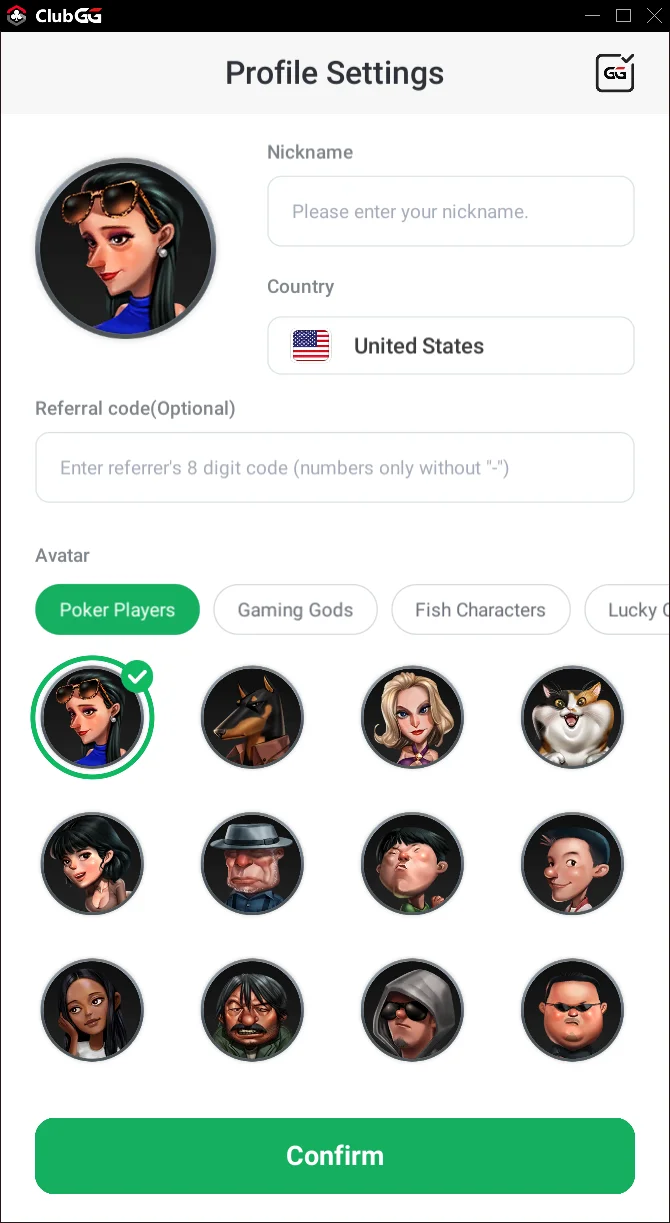
Club lobby
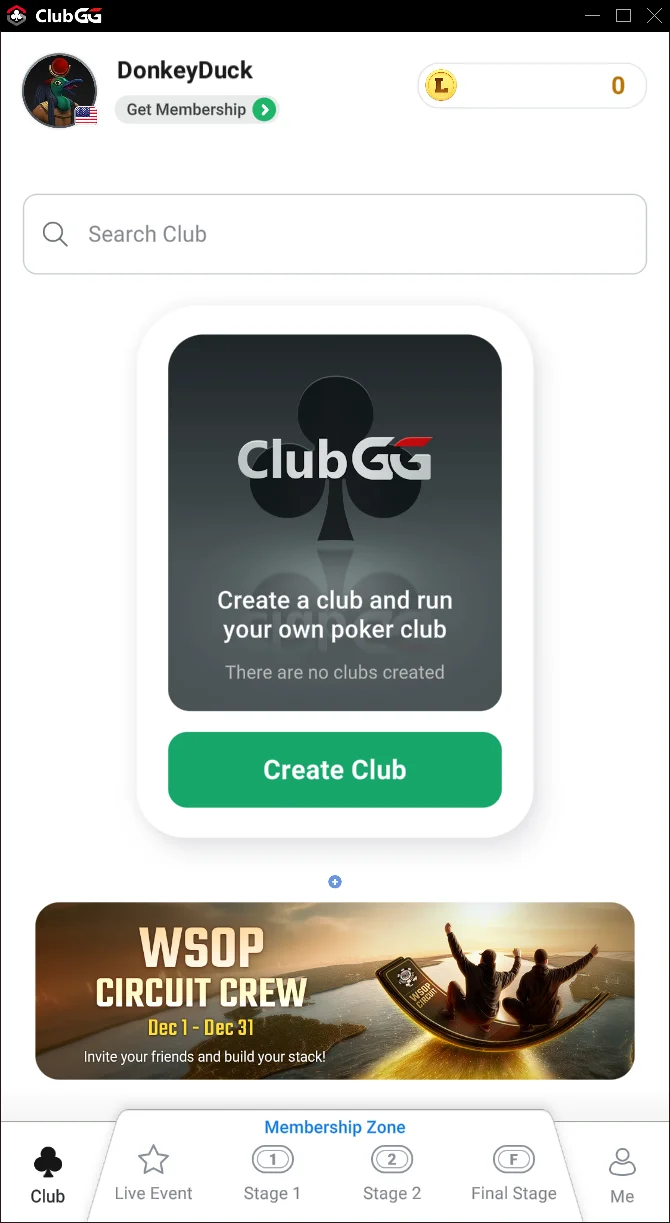
Tap Find Club
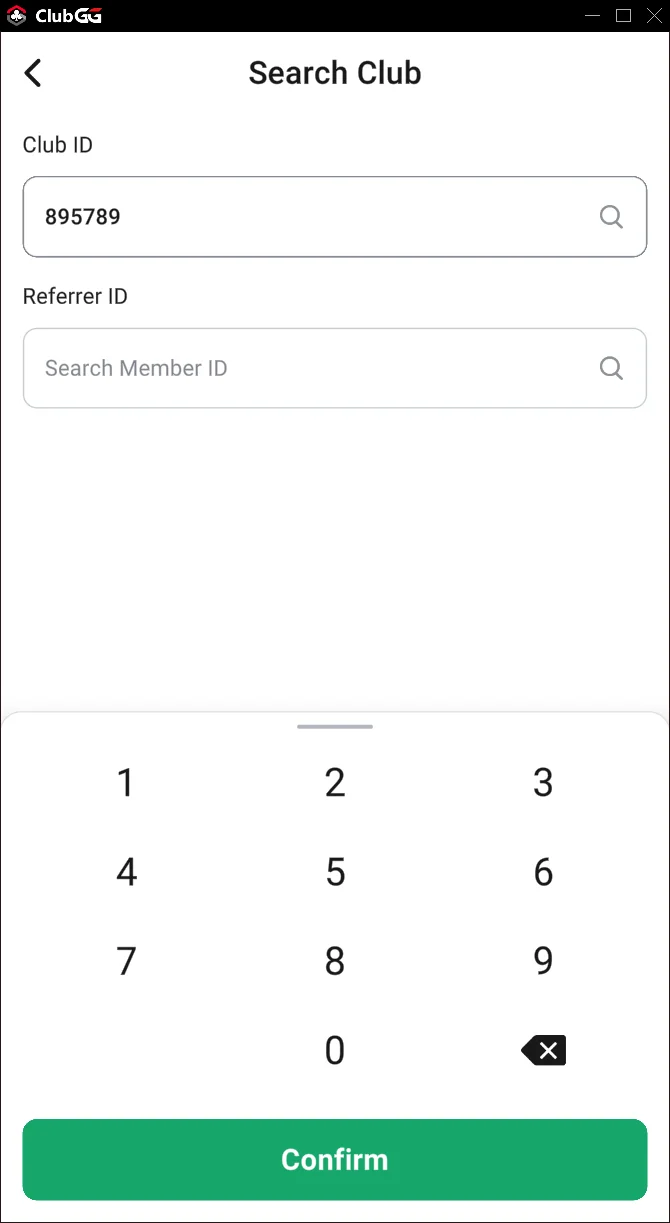
Enter 895789

Request to join
Find Your Member ID
Your Member ID is needed to link your account with our Telegram bot for deposits, cashouts, freeroll passwords, and hands-race updates.
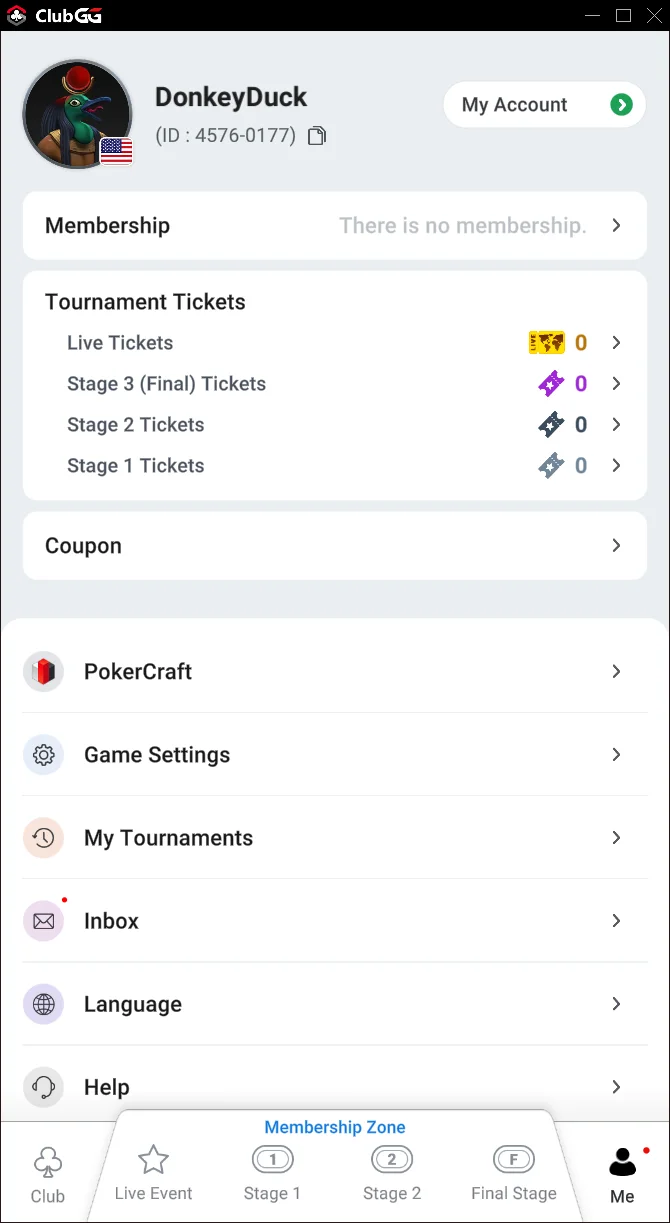
Where to find it:
- 1. Open The Badger Den club
- 2. Look for your name/avatar
- 3. Your Member ID is the number below your name
- 4. Format:
1234-5678
Connect to Telegram
Link your ClubGG account with our Telegram bot to unlock all features.
- 1. Message @thebadgerdenbot on Telegram
- 2. Send
/link YOUR-MEMBER-ID - 3. You're linked! Now you can deposit, cashout, and get freeroll passwords
You're All Set!
Once you're in the club and linked on Telegram, you can:
- ✓ Join cash games (with action at stakes from 4NL to 1KNL)
- ✓ Play daily tournaments
- ✓ Compete in the monthly cash game hands race
- ✓ Compete on leaderboards
What Happens After You Link
Club join requests are usually handled within minutes, not days.
Use /deposit once you are linked and ready to fund the account.
Depositors can usually get chips loaded and be seated the same day during normal US hours.
If You Already Know You Want the VIP Route
Skip random browsing. Open Telegram, route into VIP Club 507055, and use the current $25+ or $50+ first-start path for the session you actually want.
Still comparing whether this room deserves a real test?
If you are past the basic setup questions and still judging the room, use the compare path instead of drifting between random pages. That keeps the VIP proof, bankroll questions, and Telegram route together.
If you want the comparison pages and proof stack by email, use this instead of the generic setup updates.
Not ready to finish setup right now?
Drop your email and the site will keep feeding you the useful parts: VIP proof, deposit-path guidance, Sunday schedule updates, and the direct Telegram route when you want to finish cleanly.
- • VIP proof and deposit timing updates
- • direct Telegram links back into the setup path
- • Sunday and BBJ proof worth checking later
Need help? Start in Telegram so the bot can route you and escalate to URounder if needed.